My retro gaming setup across three devices
I like being able to pick up a game wherever I happen to be. The catch is that I don’t always want to play on the same device: sometimes it’s a laptop kind of evening, and sometimes my phone is the closest thing to a handheld console. Fortunately, I already have a solution for keeping my files in sync: Nextcloud.
With a little help from RetroArch and FolderSync, I can keep my retro gaming setup available across three devices: my Debian laptop, my Arch Linux laptop, and my phone. My game library, save files, and save states travel between them, so I can continue a game without having to remember which device I used last.
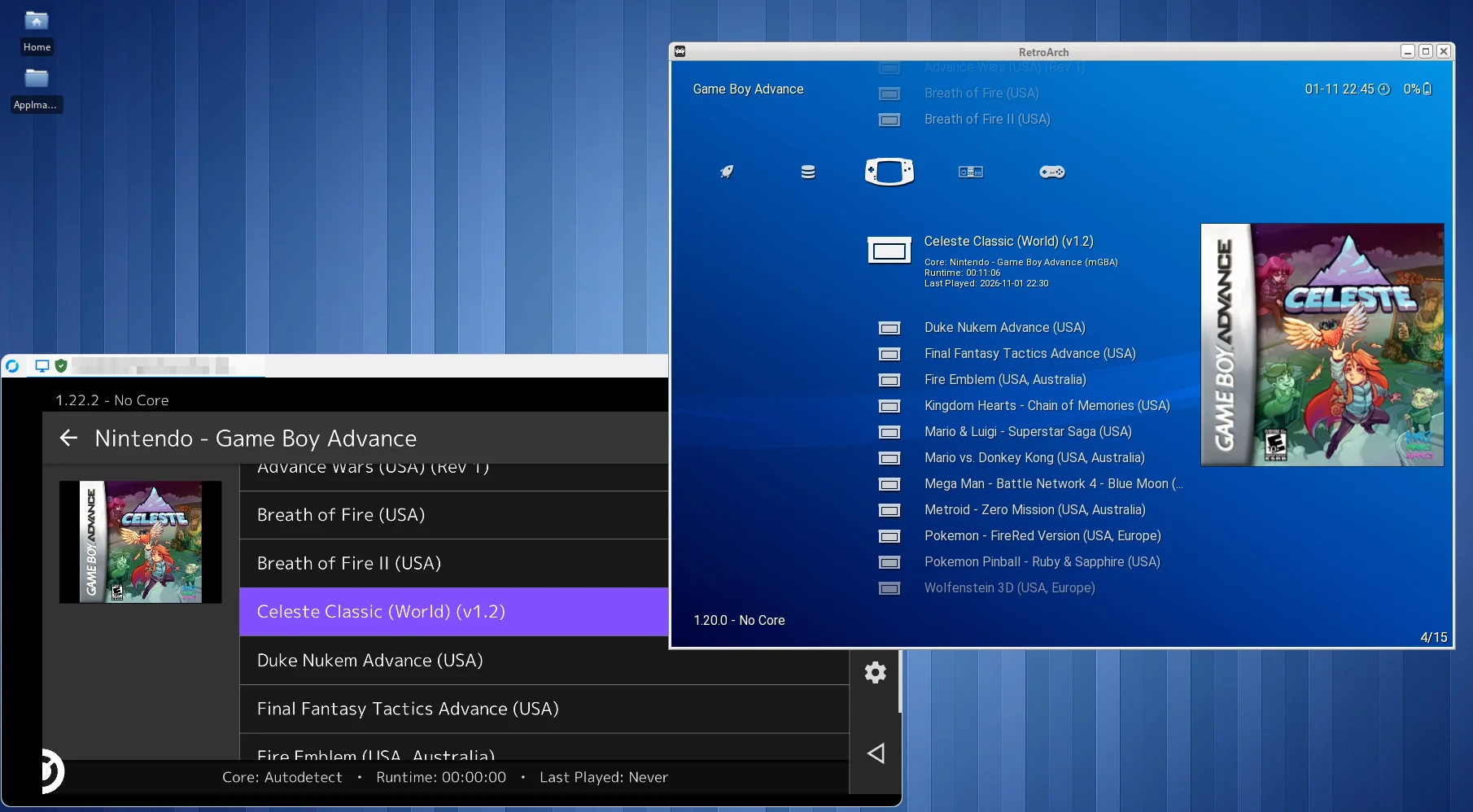
Here’s Celeste for the Game Boy Advance, showing on RetroArch for both my phone and my Debian laptop. Thanks to Nextcloud, I can sync the game files across all three devices!
Nextcloud does the heavy lifting
Nextcloud Desktop runs on both of my laptops, so I keep my games and RetroArch data inside a synced Nextcloud folder.
The folder contains my ROMs, save files, and save states. And yes, my ROM collection is entirely, unquestionably, legally acquired. Every single game. Definitely no need to investigate further; you can trust my word.
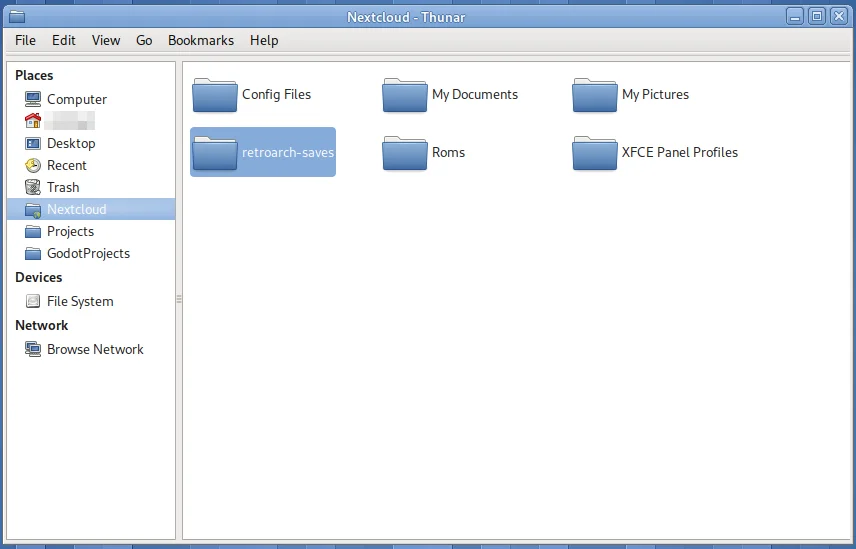
Here’s the retroarch-saves directory in my Nextcloud folder. If you’re looking for a place to host your own Nextcloud, there’s also a directory of Nextcloud providers.
Getting the files onto my phone
On my phone, I use FolderSync to sync the relevant Nextcloud folder to local storage. I would love to use the Nextcloud app for this, but I haven’t found a straightforward option to sync an arbitrary folder locally on the phone. FolderSync fills that gap: it connects to my Nextcloud account and keeps a local copy of the folder where RetroArch for Android can find it.
Then I point RetroArch on the phone to that local copy for its save files and save states. This is easy to set up in the settings. On the laptops, RetroArch uses the corresponding folders inside the Nextcloud Desktop sync directory. Each device reads and writes to its local copy, while the sync apps (Nextcloud Desktop on my laptops and FolderSync on my phone) move changes between them.
A little patience avoids a lot of sadness
Syncing saves is convenient, but it does mean I need to give the sync apps a moment to do their thing. I try to close a game and let its save finish syncing before opening that same game on another device. Otherwise, two devices could each update their own copy, and Nextcloud might have to choose between them. “Conflict copy” is not the kind of surprise ending I want.
This setup isn’t magic, and it depends on having a connection and giving the sync a moment to finish. But for the way I use my devices, it works well. I can move between the laptops and phone without manually copying saves around or wondering which device has the latest progress. Once syncing is done, they’re all up to date.
RetroAchievements
I also log in to RetroAchievements on all three devices. That gives me achievements while playing on the laptop or phone, and adds a fun little extra goal to games I’ve played for years. Apparently beating a game once wasn’t enough; now I can do it with badges.
Between Nextcloud Desktop on Debian and Arch, FolderSync on my phone, and RetroArch configured to use the synced folders, I have one retro gaming setup that follows me around. It’s not the fanciest arrangement, but it means my games and progress are where I want them, whether I’m at my desk or playing on my phone.
Thanks for reading!
Have thoughts or feedback?
Join the discussion on Mastodon


